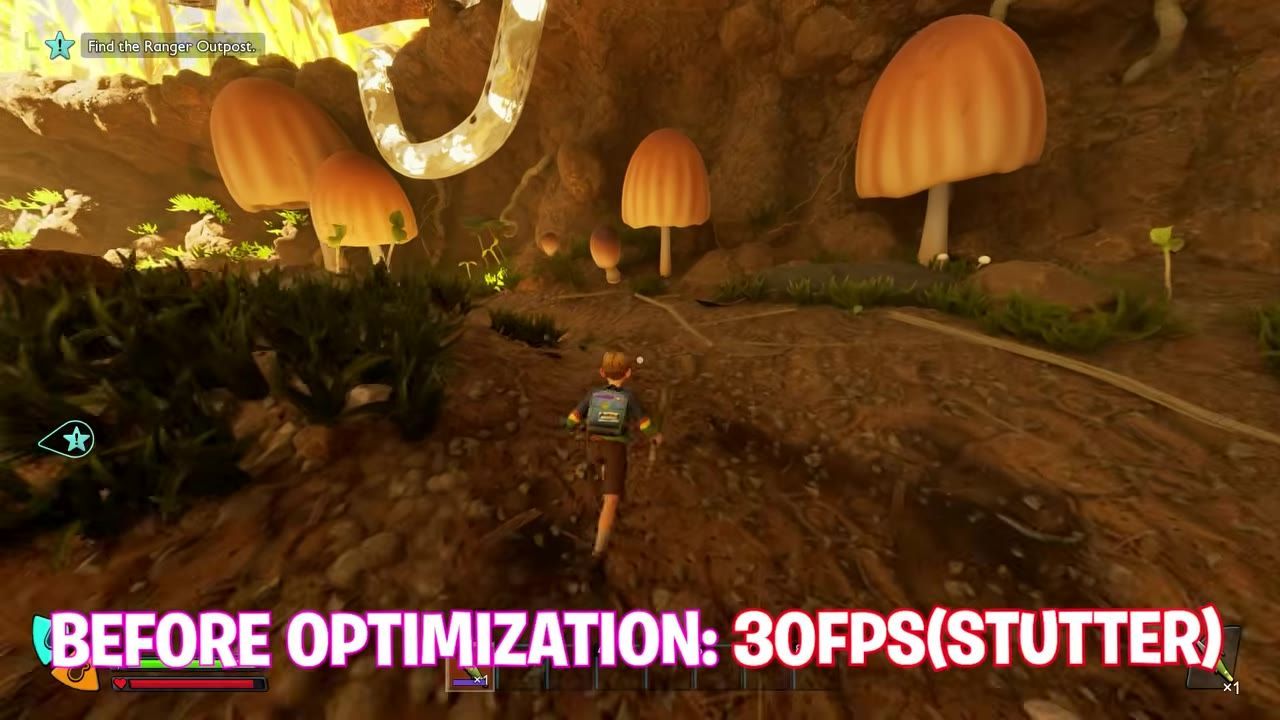
Performance issues in Grounded 2 can be resolved by optimizing graphical settings and ensuring hardware compatibility and software updates. Follow these steps to improve your gameplay experience.
System Requirements Check
Ensure your PC is capable of running Grounded 2 effectively to minimize potential performance issues.
The Steam listing puts the floor at Windows 10 or 11 with updates, an AMD Ryzen 5 2600 or Intel i5-8400, 16 GB of RAM, an AMD RX 5700, Nvidia GTX 1070 or Intel Arc A580, DirectX 12 and 40 GB of space. The recommended tier moves to a Ryzen 5 5600X or i7-10700K with an RX 6800 XT or RTX 3080. Obsidian's support article repeats that recommended card in its minimum block, so measure against the store page.
Adjust Game Graphics Settings
Optimizing the in-game graphical settings is one of the quickest ways to alleviate performance issues.
Obsidian publishes the order to work through for screen tearing or a low frame rate: set Window Mode to Fullscreen, lower the resolution, lower the graphics settings, lower the Framerate Limit, set Motion Blur to 0, make sure Field of View is 90, and lower the Render Scale.
Upscaling arrived with the December 0.2.2 feature update: DLSS and FSR support on PC, at Native AA/Auto, Quality, Balanced, Performance or Ultra Performance. That update also moved the game onto Unreal 5.6.1, which Obsidian said should show up as a frame rate gain even with upscaling off.

The Display settings menu is open with the Quality dropdown expanded. — Techie Savi
Update Drivers and Software
Outdated drivers or software can hinder game performance. Keeping them up-to-date ensures compatibility and stability for Grounded 2.
The first item on Obsidian's list is downloading the latest drivers for your graphics card. The minimum spec also asks for Windows 10 or 11 with updates and DirectX 12, so an unpatched operating system is a requirement the game has not met.

A Windows utility window is open over File Explorer with the GPU priority dropdown set to High. — Techie Savi
Optimize Background Applications
Background applications that consume system resources can negatively affect performance.
Both spec tiers ask for 16 GB of RAM, so a machine at the minimum has no memory in hand above what the game expects. The game's own memory use has been a live problem too: hotfix 0.5.0.2 (August 12, 2026) fixed a leak in the status-effect UI causing significant hitching on lower-end specs, and 0.5.0.1 (August 11, 2026) added memory improvements aimed at leaks appearing after one to three hours of play. When a session gets worse the longer it runs, update first and restart second.

A Windows settings dialog is open for allowing apps to run in the background, with a caption instructing the user to disable background apps to save system resources. — Techie Savi
Slowdowns That Were Already Fixed
Several of the worst stutters were the build rather than the machine:
- Patch 0.4.2 (June 17, 2026) reduced the player's streaming range so less loads at once — significantly less hitching around The Park, Obsidian expected — and optimised performance around player bases. It also reported 35% of the crashes hit in 0.4.1 fixed.
- Hotfix 0.4.0.1 (April 15, 2026) fixed spider webs taking over The Park and causing performance drops.
- Into the Abyss, the 0.5 update of August 11, 2026, fixed performance drops while hovering over radial menu options, problems around the Ice Cart and Garden areas, and a bug where performance worsened after picking up the Red Soldier Ant Egg.
FAQ
troubleshooting Grounded 2 performance
Address performance issues by managing system resources and ensuring your hardware is functioning efficiently.
how to fix Grounded 2 lagging
To fix lag, ensure your system is optimized and running efficiently, and consider managing active background processes.
best solutions for stuttering in Grounded 2
Stuttering can be addressed by ensuring your hardware is functioning as intended and minimizing background resource usage.
does Grounded 2 support DLSS or FSR
Yes. Both were added on PC in the December 0.2.2 feature update, with five quality levels from Native AA/Auto to Ultra Performance.
Sources
This guide was written from the videos below. All rights remain with their creators.
- [2026] Grounded 2 Into the Abyss: ULTIMATE PC Settings to Boost FPS, Fix Lag & Stutters — Techie Savi, August 18, 2026
Checked against:
- Help us Decide our Next Update Name! — Obsidian Aarik, 2026-08-25
- Patch 0.5.0.4 Has Been Released — Obsidian Aarik, 2026-08-19
- 0.5.0.3 Hotfix Has Been Released — Obsidian Aarik, 2026-08-13
- Improve Game Performance — Obsidian Entertainment Support
- Grounded 2 on Steam — Steam
- 0.5.0.2 Hotfix Has Been Released — Obsidian Aarik, 2026-08-12
- 0.5.0.1 Hotfix — Obsidian Chris, 2026-08-11
- Into the Abyss: The Biggest Grounded 2 Update Yet — Obsidian Aarik, 2026-08-11
- Patch 0.4.2 Has Been Released — Obsidian Aarik, 2026-06-17
- Hotfix 0.4.0.1 Has Been Released — Obsidian Aarik, 2026-04-15
- The December Feature Update is Here — Obsidian Aarik, 2025-12-03