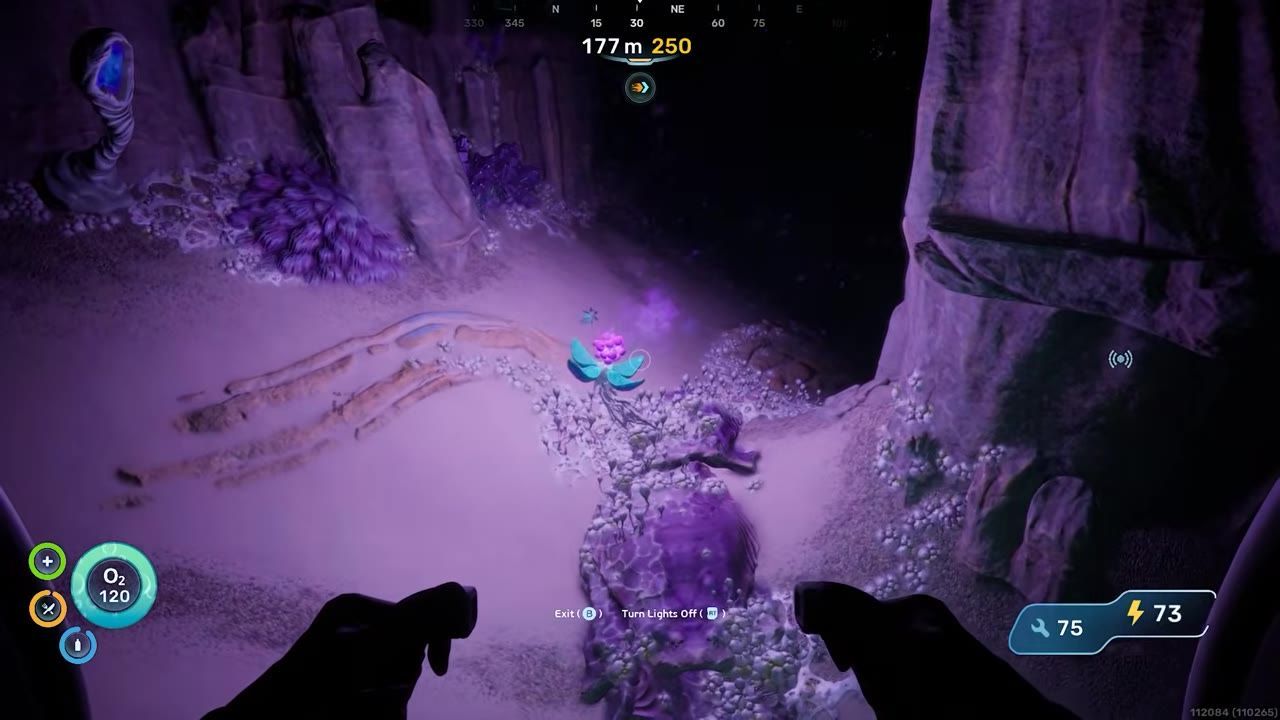
To improve FPS in Subnautica 2, tweak specific graphics settings related to shadows, resolution, and frame generation. Incrementally adjust these settings to find a balance between performance and visual quality.
Prerequisites for Optimizing Graphics Settings
Prior to tweaking your graphics configurations, ensure your game setup is properly prepared:
prerequisites
- Ensure that your game is updated to the most recent patch to benefit from graphical and performance improvements.
- A DirectX 12 machine on Windows 10 or 11, at or above the published minimum of a GTX 1660 6GB or RX 5500 XT 6GB with 12 GB of RAM.
- Mods switched off before the first launch after a patch. Unknown Worlds asks players to disable or remove community mods when a hotfix lands, because ones built against the previous build can crash the game on startup.
- The main Early Access branch, if you ever opted into Experimental. Those builds are likelier to contain bugs, and the branch is switched in Steam under Properties.
Steps to Adjust Graphics Settings
Follow these steps to optimize graphics settings for better performance in Subnautica 2:
steps
- Pick a Graphics Quality preset first and let it settle. Up to Early Access 1.2, a setting changed immediately after a new preset was selected could fail to apply at all.
- On an Nvidia card, turn on DLSS and then Frame Generation. Early Access 1.2 added 5x and 6x modes for the RTX 5000 series, plus a Dynamic mode that chooses one for you on that generation.
- Leave VSync on rather than trading it away for Frame Generation. Since Early Access 1.2 the two run together, and the same update repaired Nvidia Reflex working unreliably beside it.
- Step Shadow quality down if what you see is flicker rather than a low frame rate. Flickering on the World Tree at High shadows was a bug fixed in Early Access 1.2.
- Test your adjusted settings incrementally. If you're still experiencing lag or stuttering, further lower other environment details such as draw distances, texture quality, or environmental effects.

An underwater environment visible through the window of a structure, showing visual clarity and detail. — gameranx
Where the Frames Actually Go
Several costs here have been particular places and objects rather than a slider. Building many Power Transmitters close together pulled the frame rate down until Early Access 1.2, and the Metal Farms region degraded performance the longer a session ran until Early Access 1.1. If the frame rate collapses in one area, or only after a long session, the build explains more than the preset.

A green room-placement hologram appears beside a base structure underwater. — gameranx
Callouts for Common Issues
When adjusting graphics settings, keep the following considerations in mind to avoid disrupting performance:
FAQ
Subnautica 2 how to optimize graphics settings for better FPS
To optimize graphics settings in Subnautica 2, test changes incrementally to find the ideal balance between visual quality and performance.
Does Frame Generation work with VSync in Subnautica 2?
Yes, from Early Access 1.2 onward, which let the two run at the same time.
What hardware does Subnautica 2 ask for?
A GTX 1660 6GB or RX 5500 XT 6GB with 12 GB of RAM is the published minimum; an RTX 3070 8GB or RX 6700 XT 8GB with 16 GB is the recommendation.
Sources
Screenshots on this page are frames from the videos below, used to illustrate the steps they describe. All rights remain with their creators.
- Subnautica 2 - Before You Buy — gameranx, May 14, 2026
Checked against:
- Subnautica 2 Early Access 1.2 - Buddy System Update — virtualdon, 2026-08-19
- Subnautica 2 Experimental Branch Released — virtualdon, 2026-08-12
- Subnautica 2 Early Access Hotfix 4 — virtualdon, 2026-07-14
- Subnautica 2 Early Access 1.1 - Adaptive Measures Update — virtualdon, 2026-07-08
- Subnautica 2 Early Access Hotfix 3 — virtualdon, 2026-06-01
- Subnautica 2 Early Access Hotfix 2 — virtualdon, 2026-05-22
- Subnautica 2 Early Access Hotfix 1 — virtualdon, 2026-05-19
- Subnautica 2 on Steam — store.steampowered.com